Use ArcSegment as PathFigure : ArcSegment « Shapes « Silverlight

Home
Silverlight
1.Animations
2.Communication
3.Containers
4.Data
5.Events
6.Graphics
7.Shapes
8.UI Controls
Silverlight » Shapes » ArcSegmentScreenshots 
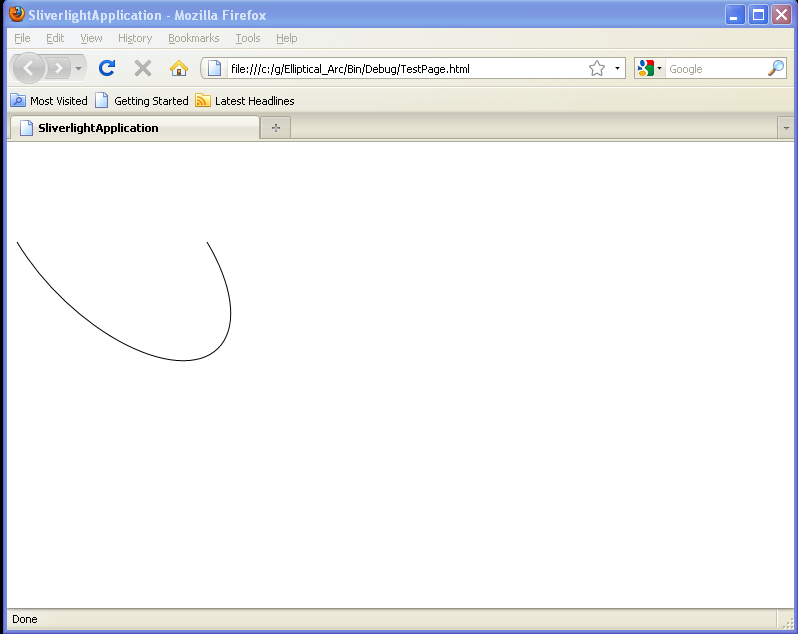
Use ArcSegment as PathFigure
   

<UserControl x:Class='SilverlightApplication3.MainPage'
    xmlns='http://schemas.microsoft.com/winfx/2006/xaml/presentation' 
    xmlns:x='http://schemas.microsoft.com/winfx/2006/xaml'
    xmlns:d='http://schemas.microsoft.com/expression/blend/2008' 
    xmlns:mc='http://schemas.openxmlformats.org/markup-compatibility/2006' 
    mc:Ignorable='d' 
    d:DesignWidth='640
    d:DesignHeight='480'>


    <Path Stroke="Black" Grid.Row="2" Margin="4,4,4,4">
      <Path.Data>
        <PathGeometry>
          <PathFigure>
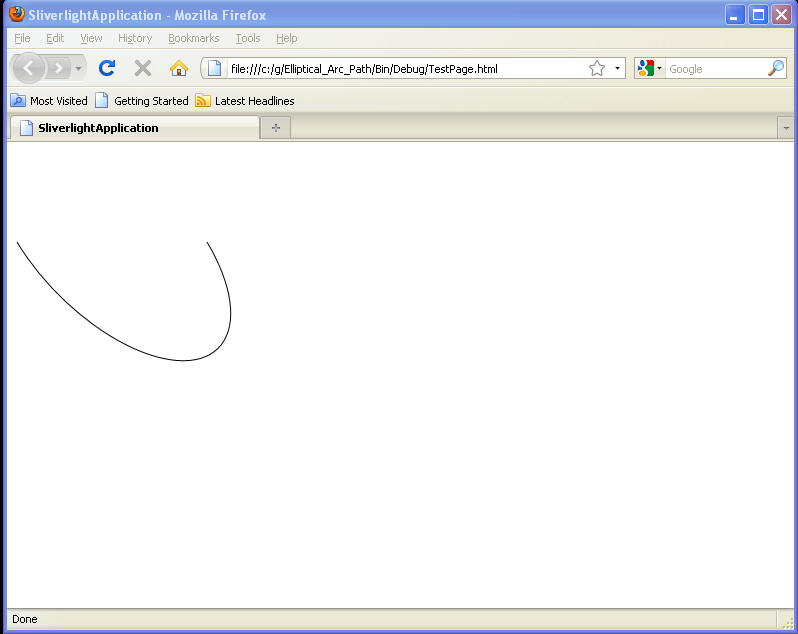
            <ArcSegment Point="50,20" Size="50,150" RotationAngle="20" IsLargeArc="False" SweepDirection="Counterclockwise"/>
          </PathFigure>
        </PathGeometry>
      </Path.Data>
    </Path>
</UserControl>


Related examples in the same category
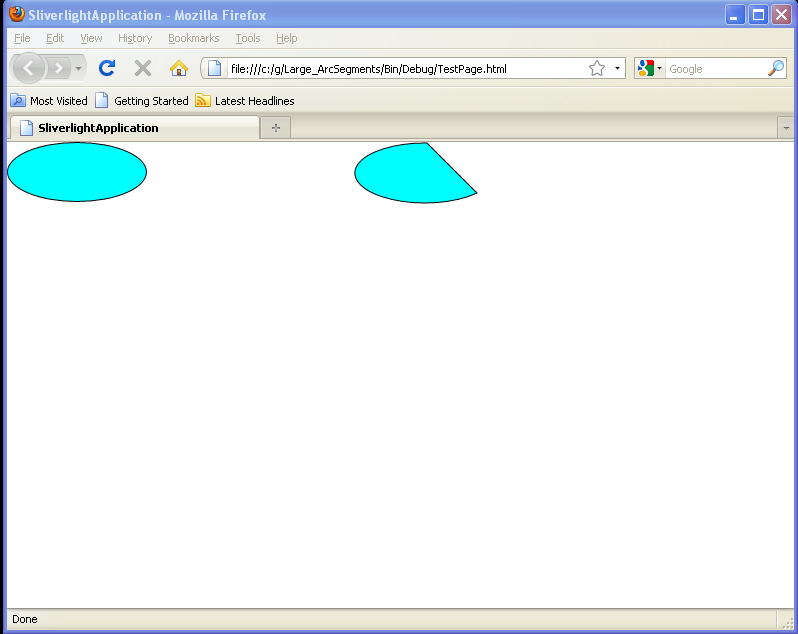
1.Large ArcSegmentsLarge ArcSegments
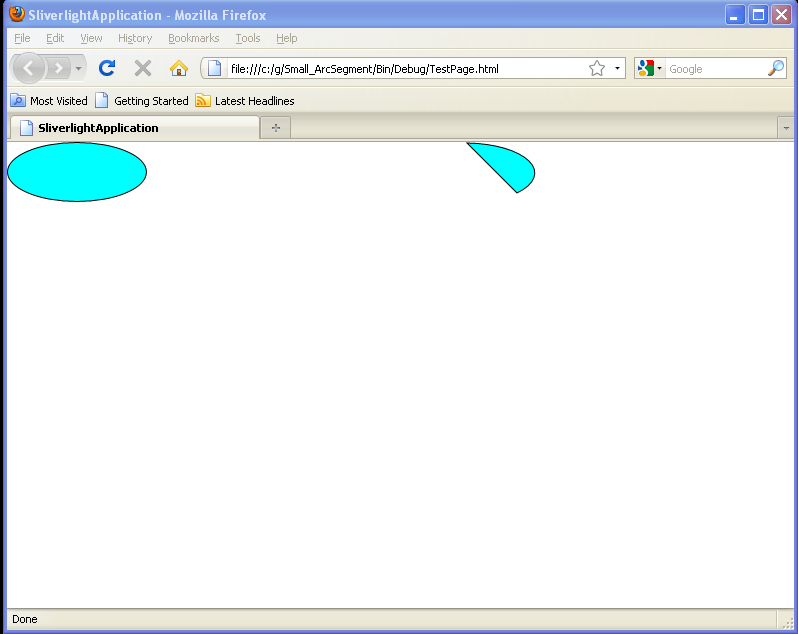
2.Small ArcSegmentSmall ArcSegment
3.Counterclockwise (default), small arc (default)Counterclockwise (default), small arc (default)
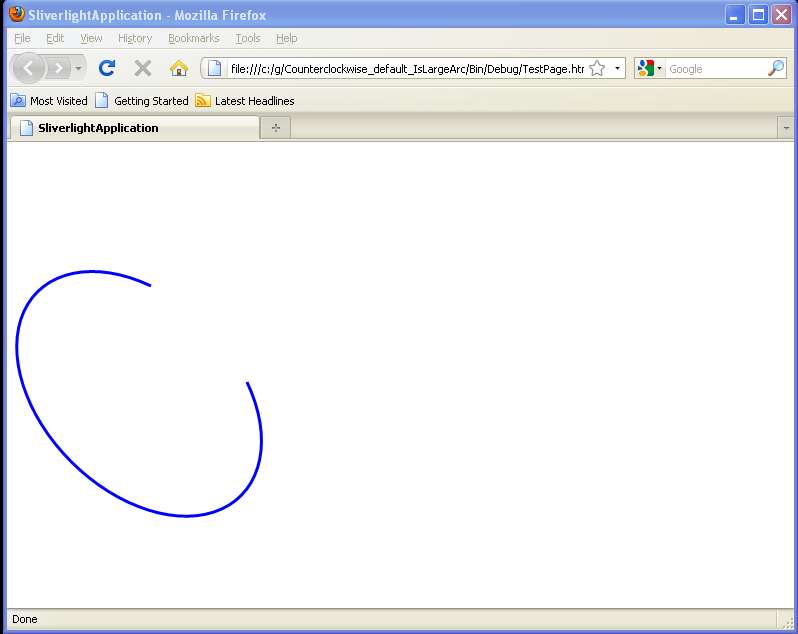
4.Counterclockwise (default), IsLargeArcCounterclockwise (default), IsLargeArc
5.Clockwise, small arc (default)Clockwise, small arc (default)
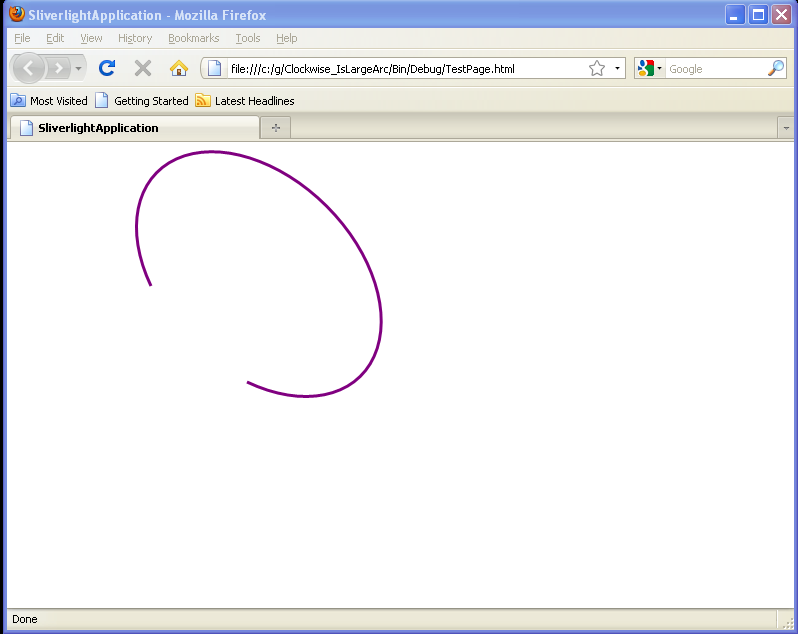
6.Clockwise, IsLargeArcClockwise, IsLargeArc
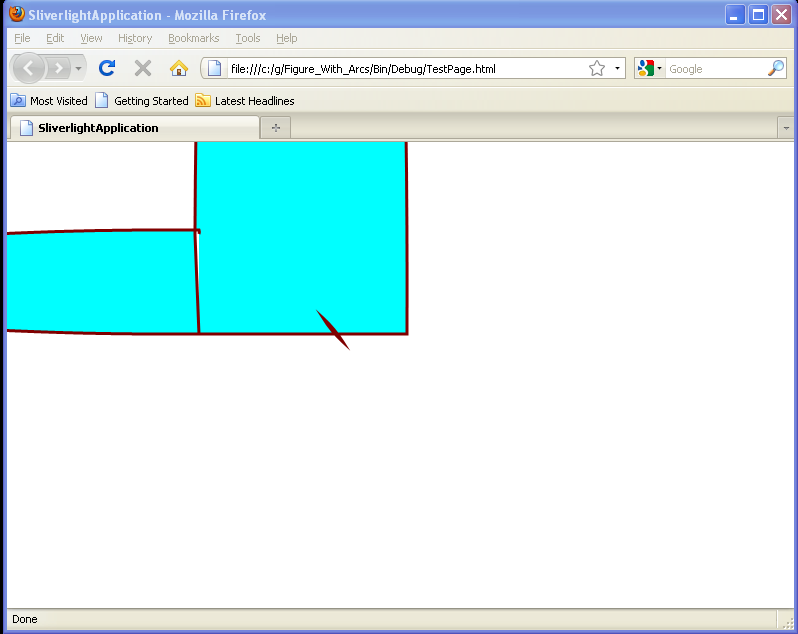
7.Figure With ArcsFigure With Arcs
8.Elliptical ArcElliptical Arc
9.Elliptical Arc PathElliptical Arc Path
java2s.com  | Contact Us | Privacy Policy
Copyright 2009 - 12 Demo Source and Support. All rights reserved.
All other trademarks are property of their respective owners.