Font dialog: turn color option on : Dialog Font « GUI « VB.Net
Home
VB.Net
1.2D
2.Application
3.Class
4.Data Structure
5.Data Types
6.Database ADO.net
7.Date Time
8.Development
9.Event
10.File Directory
11.Generics
12.GUI
13.Internationalization I18N
14.Language Basics
15.LINQ
16.Network Remote
17.Reflection
18.Security
19.Thread
20.Windows Presentation Foundation
21.Windows System
22.XML
23.XML LINQ
VB.Net » GUI » Dialog FontScreenshots 
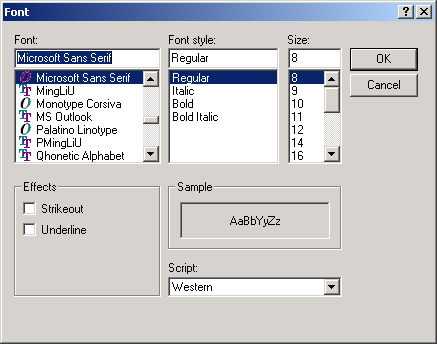
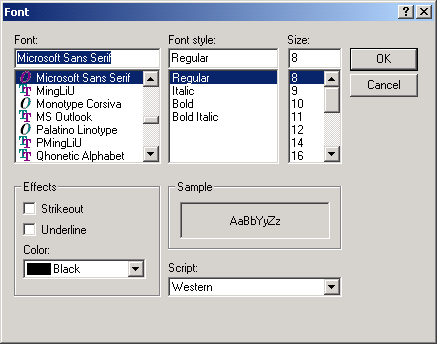
Font dialog: turn color option on

Imports System
Imports System.Data
Imports System.Windows.Forms
Imports System.Drawing

Public Class MainClass
    
    Shared Sub Main()
        Dim dlgFont As System.Windows.Forms.FontDialog
        dlgFont = New System.Windows.Forms.FontDialog
        
        dlgFont.ShowColor = True
        If dlgFont.ShowDialog() = DialogResult.OK Then
        End If

    End Sub
End Class


Related examples in the same category
1.Show Font dialog and get select font and font colorShow Font dialog and get select font and font color
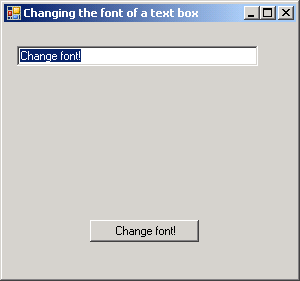
2.Use Font dialog to change TextBox fontUse Font dialog to change TextBox font
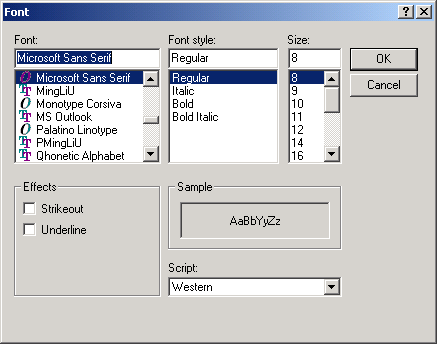
3.Font dialog in VB.netFont dialog in VB.net
java2s.com  | Contact Us | Privacy Policy
Copyright 2009 - 12 Demo Source and Support. All rights reserved.
All other trademarks are property of their respective owners.